SumIt is a browser-based studio for writing, speaking, drawing, calculating, graphing and exporting mathematical equations. It works entirely on your device — no account needed, and once it has loaded once, no internet connection is required. It runs on a phone, a tablet, a laptop, or a Chromebook, and the same code ships as native apps for iPhone, iPad, Mac, Android, and Windows.
Who SumIt is for
If you ever need to put a mathematical expression into a document, a message, a worksheet or a slide — and you've ever found that fiddly — SumIt was probably built for you.
GCSE, A-level, undergraduate. Fast equation entry for homework, revision notes, exam practice and lab reports.
Build worksheets, write maths into slides, prepare exam papers, project clean equations onto a whiteboard during a lesson.
Quickly sketch a derivation, copy LaTeX into a paper, or check a plot before reaching for a heavier tool.
Dictate equations by voice, use the screen-reader-friendly UI, switch to high-contrast themes, navigate entirely by keyboard.
Working through Khan Academy, Brilliant or a textbook? Have a scratchpad and a calculator that talks the same language as the page you're reading.
No install, no IT approval, works offline once cached. Drops into Google Classroom or any LMS as a regular web link.
What you can do with it
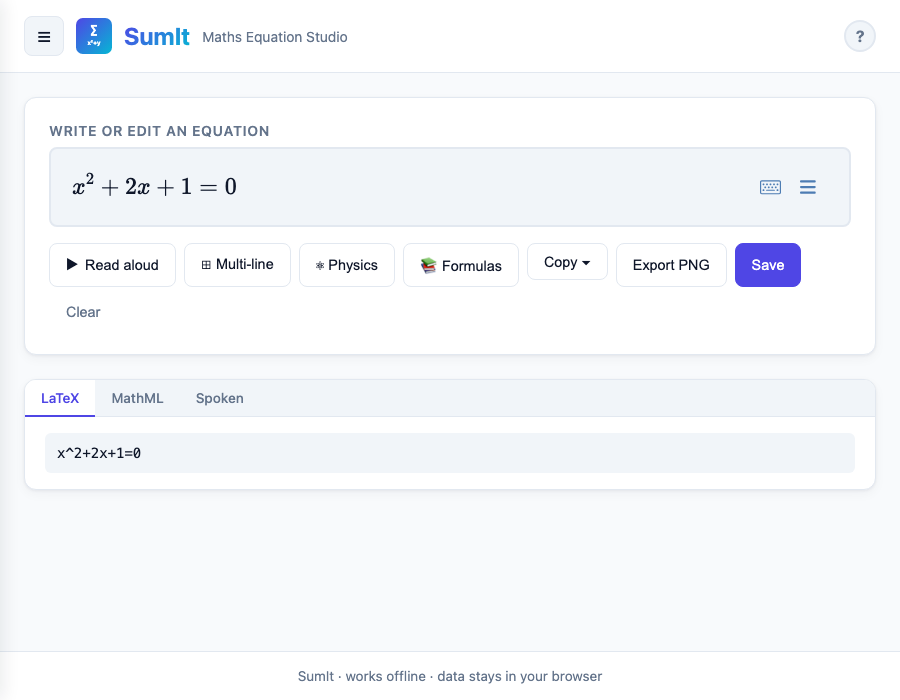
Type or paste equations
A real-time maths editor (powered by MathLive) accepts LaTeX, keyboard shortcuts, and direct input. Autocomplete suggests named formulas as you type — start sq and pick "square root" without lifting your hands.
Speak equations out loud
The Dictate tab listens to your microphone and converts spoken phrases like "x squared plus three x minus seven equals zero" straight into proper notation.
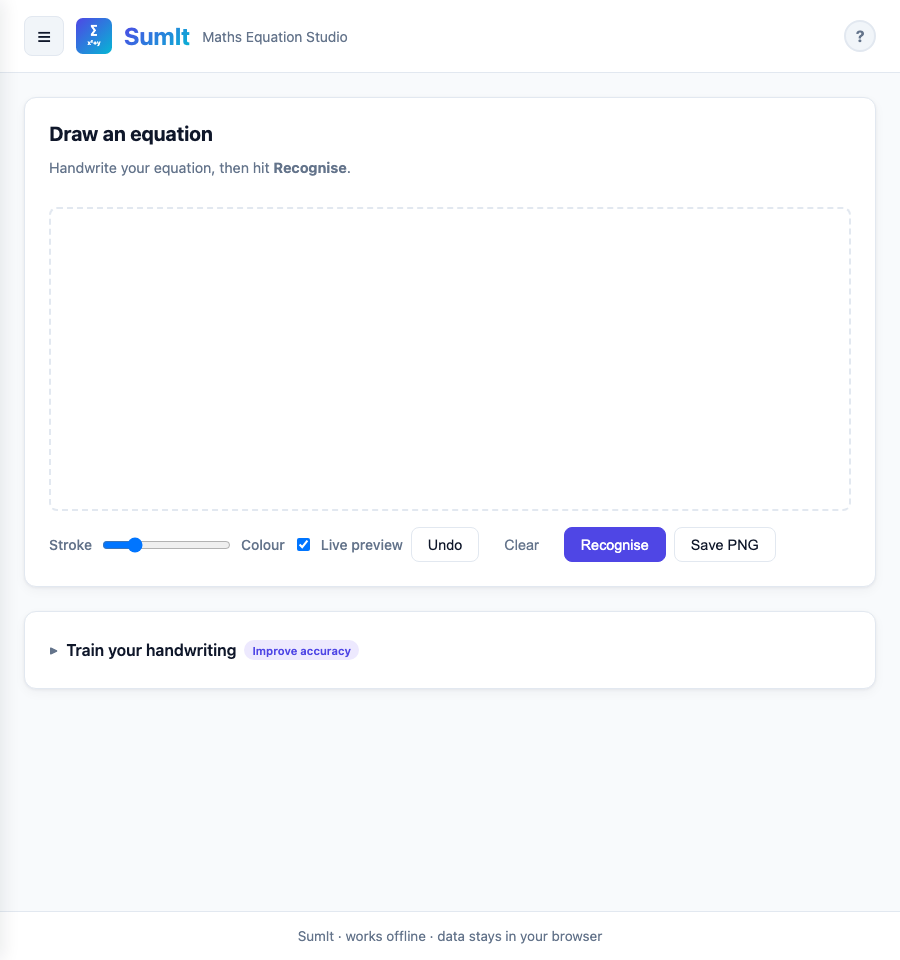
Draw equations by hand
Sketch on the canvas with a finger, stylus or trackpad. SumIt recognises symbols and produces the equivalent LaTeX. Two recognisers come bundled — a fast template matcher for the common case and a neural-network model for messier handwriting — and both run on your device. No images leave your screen.
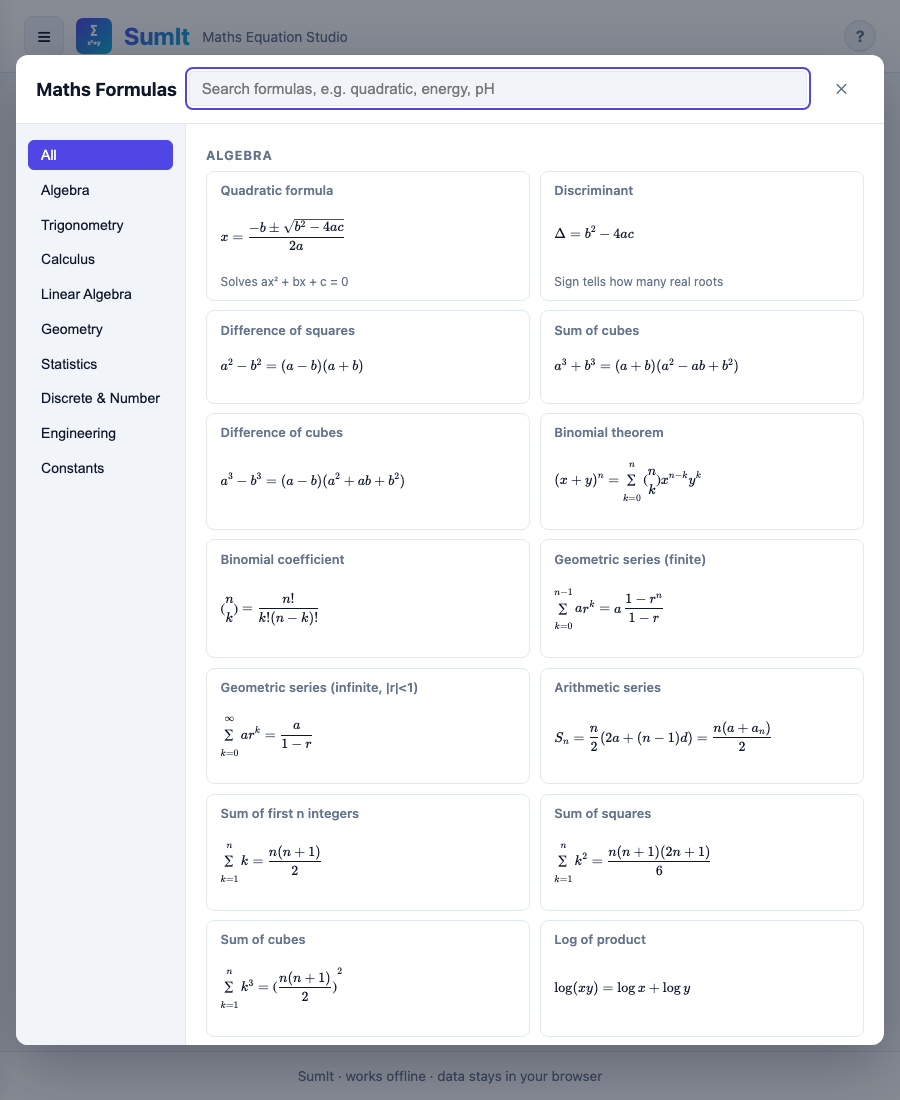
Browse 300+ named formulas
A searchable library covering algebra, trigonometry, calculus, statistics, mechanics, electromagnetism, thermodynamics, optics and chemistry. Tap one to drop it into the editor at the cursor. Everything is filtered by content level (≤ 16, 16 – 18, University, All) so you can hide what's irrelevant.
Calculate & graph
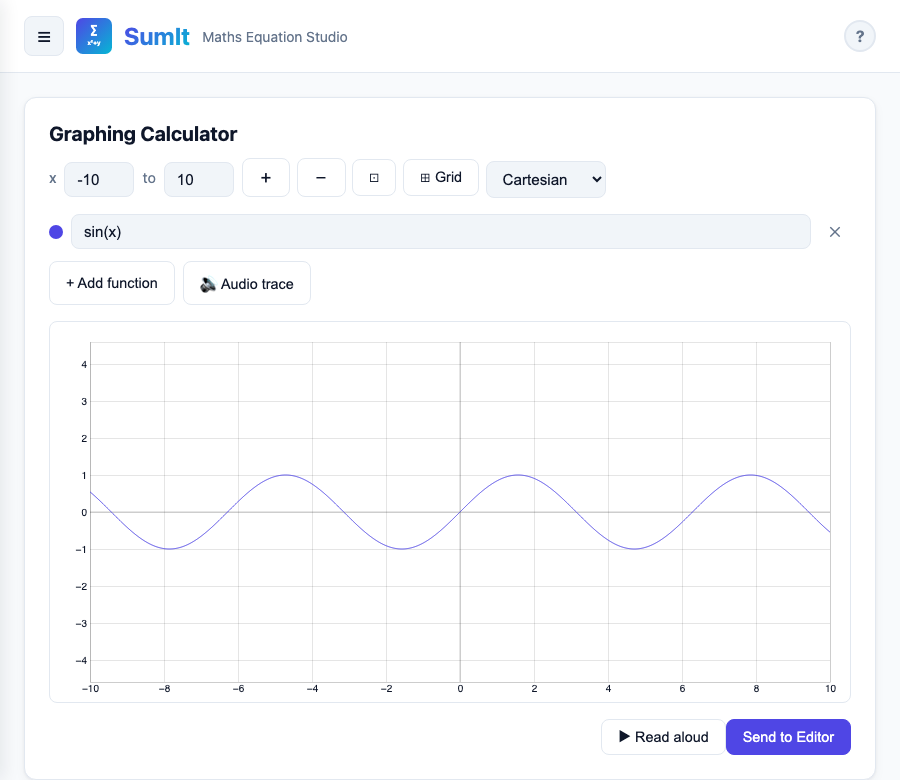
A full scientific calculator (degrees / radians, memory, history, full operator set) and a function plotter that handles up to six functions at once in Cartesian, polar or parametric form.
Chemistry too
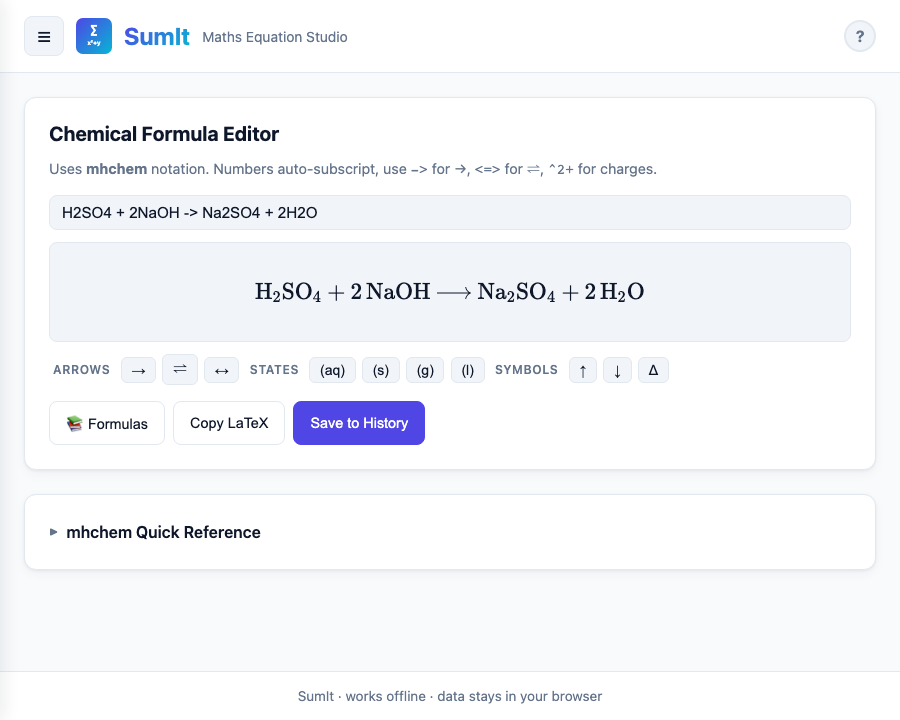
Type ordinary chemistry shorthand (H2SO4 + 2NaOH -> Na2SO4 + 2H2O) and SumIt renders it as proper formulae and balanced equations via the mhchem package.
Export anywhere
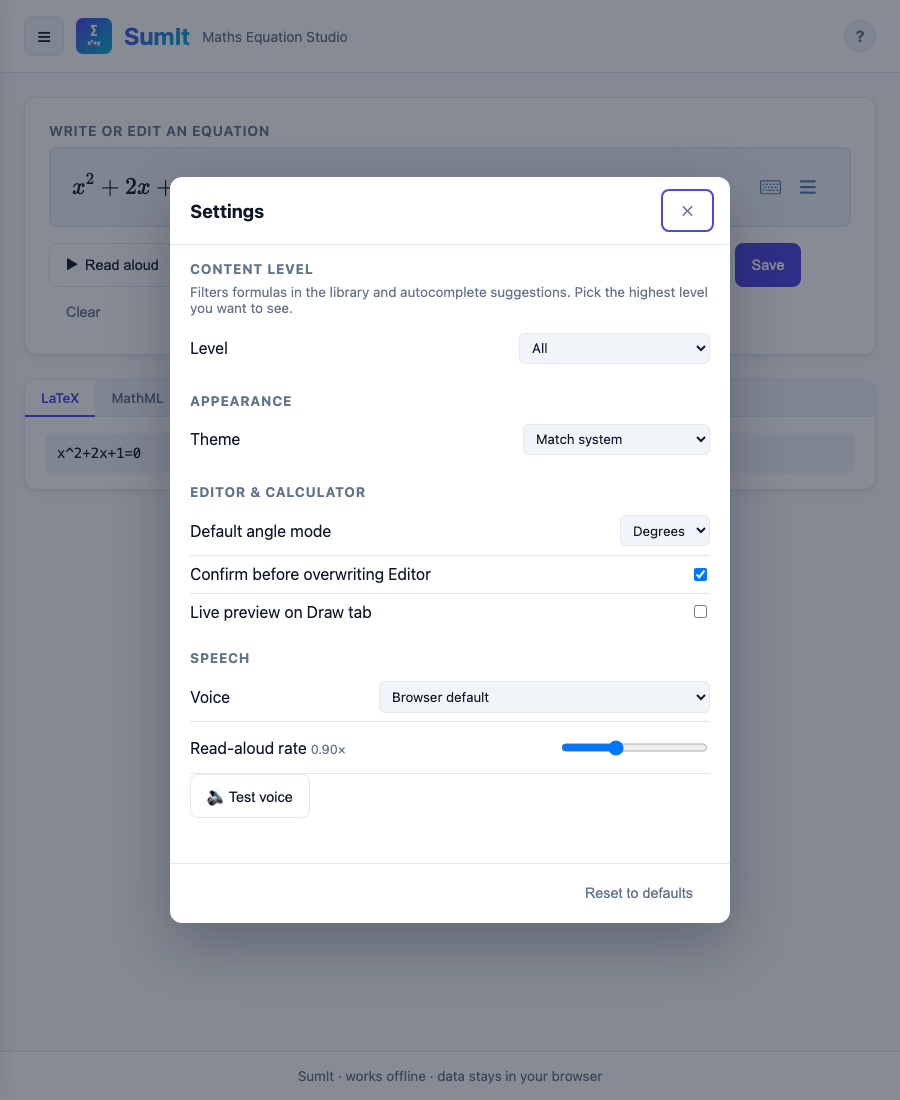
Copy as LaTeX, MathML, plain Word-friendly equation, or save a PNG image. Whatever you're writing in — Word, Pages, Google Docs, Markdown, a quiz tool, a science notebook — SumIt will paste in cleanly.
Where it's especially useful
Snap a screenshot of a question, draw a working line, copy out the answer as a tidy LaTeX expression for your notes.
Build a worked example in the editor, export PNG, drop into PowerPoint or Keynote. Crisp at any zoom.
Copy LaTeX into Word's equation editor, or paste MathML into an LMS that accepts it (Canvas, Moodle, Blackboard, …).
Scribble a quick derivation on a tablet, hit recognise, paste the result into your write-up.
Works offline on the bus, on a train, in a classroom with a patchy network. The first visit caches everything.
Pupils who struggle with handwriting can dictate. Pupils with visual impairments can switch to a high-contrast theme and have answers read aloud.
Why you might prefer SumIt
Getting started
- Open SumIt in any modern browser, or install the iOS / Mac / Android / Windows version.
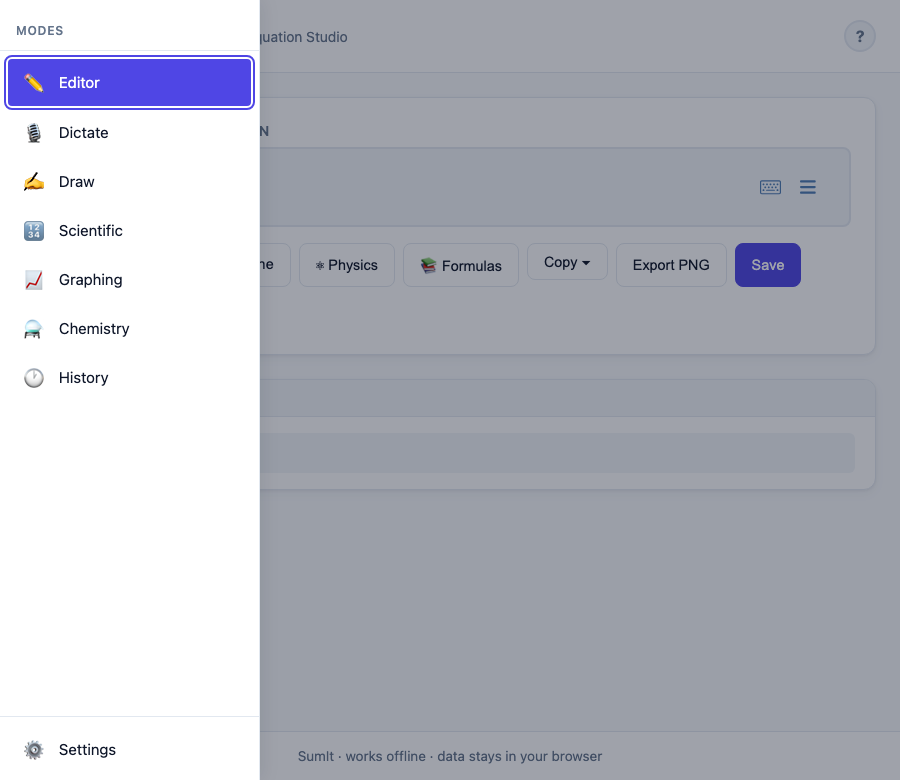
- Pick a tab — Editor for typing, Dictate for speaking, Draw for handwriting.
- Build your equation. Use the Formulas button if you'd rather pick from a list.
- Copy, Export PNG or Save to History. That's it.
Need detail on any feature? See the Help page.